‹ Dental Equipment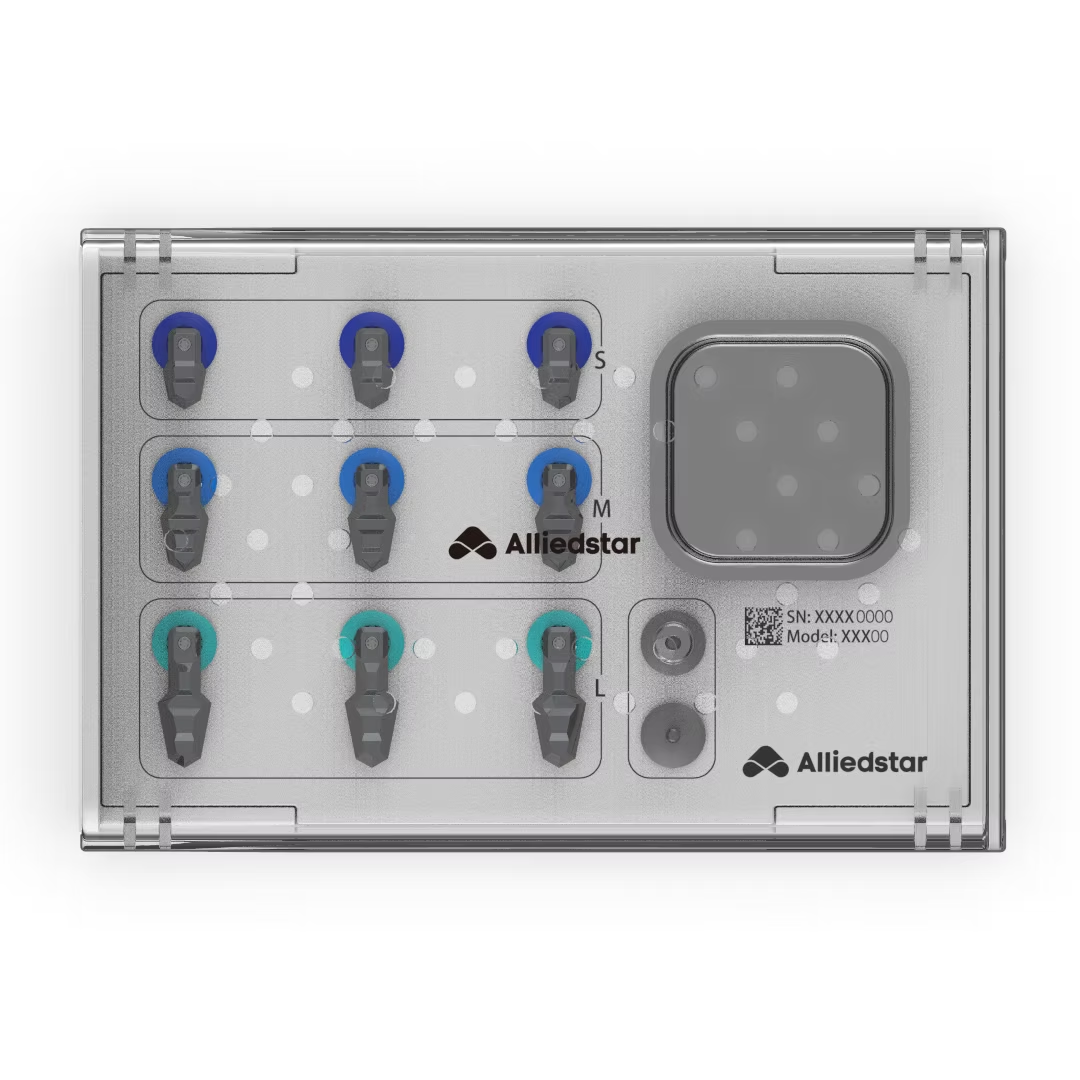 Book a demo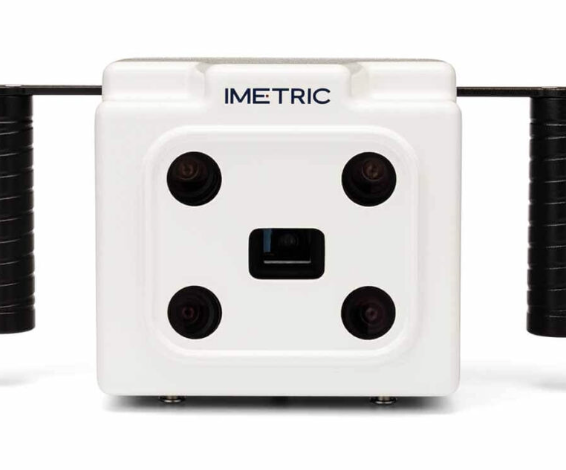
Scanbodies & Photogrammetry
Capture every implant.Exactly where it is.
Alliedstar DirectIP Set
Direct Implant Positioning for multi-unit and All-on-X cases. DirectIP bridges the gap between your intraoral scanner and the lab — a highly accurate, passive fit without separate, high-cost photogrammetry equipment.
Works with Alliedstar Sensa and AS 260.
Order and delivery eligibility are confirmed before payment.
Flawless passive fit
Precise spatial positioning so the final prosthesis seats without tension.
Fewer steps, faster
Integrates with your Alliedstar scanner to cut full-arch scan times.
Auto-aligned scan bodies
Converted into clean, vertical scan body data the lab can design with immediately.
Clinic-to-lab ready
Clean data means less manual adjustment and fewer remakes.
Key benefits.Lab-ready from the first scan.
- Direct implant positioning — real-world angulation and position data straight to CAD.
- Alliedstar ecosystem — works natively with your Alliedstar hardware and software.
- Photogrammetry-level precision — for complex All-on-X cases, with no bulky tracking equipment.
- Open CAD export — exports seamlessly to Exocad and 3Shape.
ICam4D
Four synchronised moving cameras capture the exact 3D position and orientation of every implant — outside the mouth, with sub-5-micron precision, for a passive fit on full-arch cases.
- Four moving cameras — true photogrammetry, not two-camera interpolation.
- Radiopaque titanium ICamBodies — the only scanbodies that can be X-rayed; won’t deform in the autoclave.
- Built-in calibration verification — precision maintained on every capture.
- HotSwap protection — zero workflow downtime.
- 24-hour expert support — live engineers and clinical experts, always included.
2M+ cases captured worldwide. not available in the UK, Italy or Croatia.
Request an ICam4D quoteLearn more & compare packages ›Extraoral capture
No saliva, tissue movement or line-of-sight errors.
Complex cases
Handles crowded, zygomatic and pterygoid implants.
Merges with your IOS
Implant file + soft-tissue scan, sent straight to the MillMyArch lab.
ICam4D bundles
Prices in euros, excluding VAT. Package contents confirmed with your quote.
Not available in the United Kingdom, Italy or CroatiaDue to exclusivity arrangements, we can sell ICam4D to customers in every country except the United Kingdom, Italy and Croatia.
TruAbutment T-Marker™ — existing range
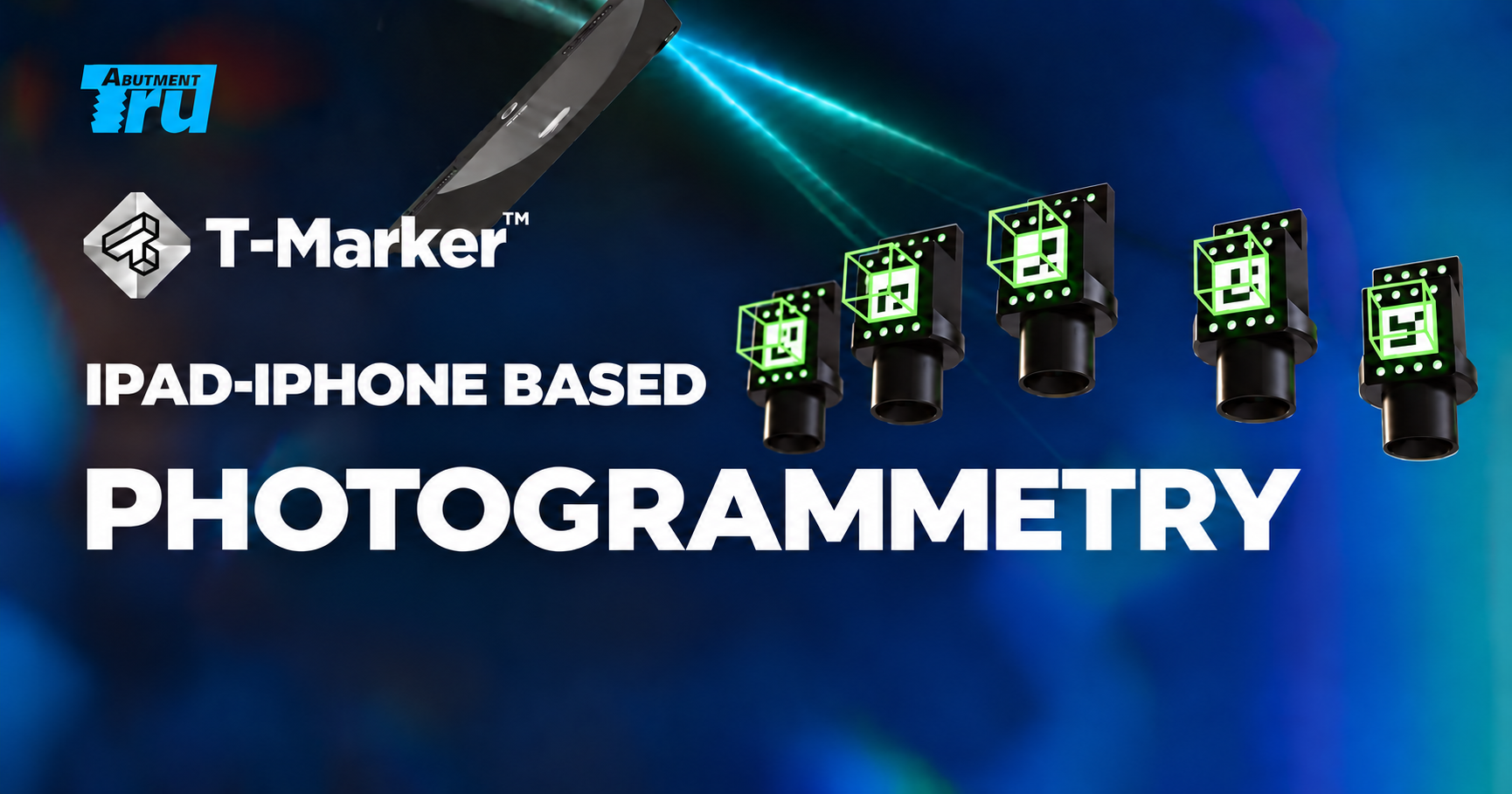
T-Marker™
Locate MUA positions on a compatible iPad Pro or iPhone Pro. Discuss URIS, Straumann® and AOT options with our team. Device compatibility, app subscription and kit availability must be confirmed. Device not included.
Enquire about T-MarkerFree STL downloads
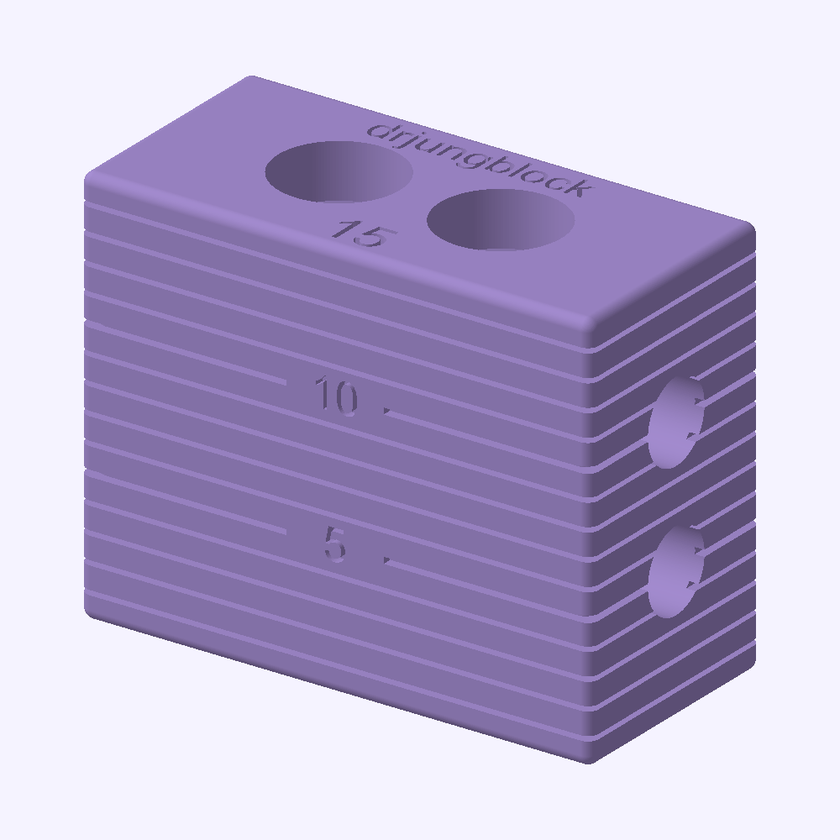
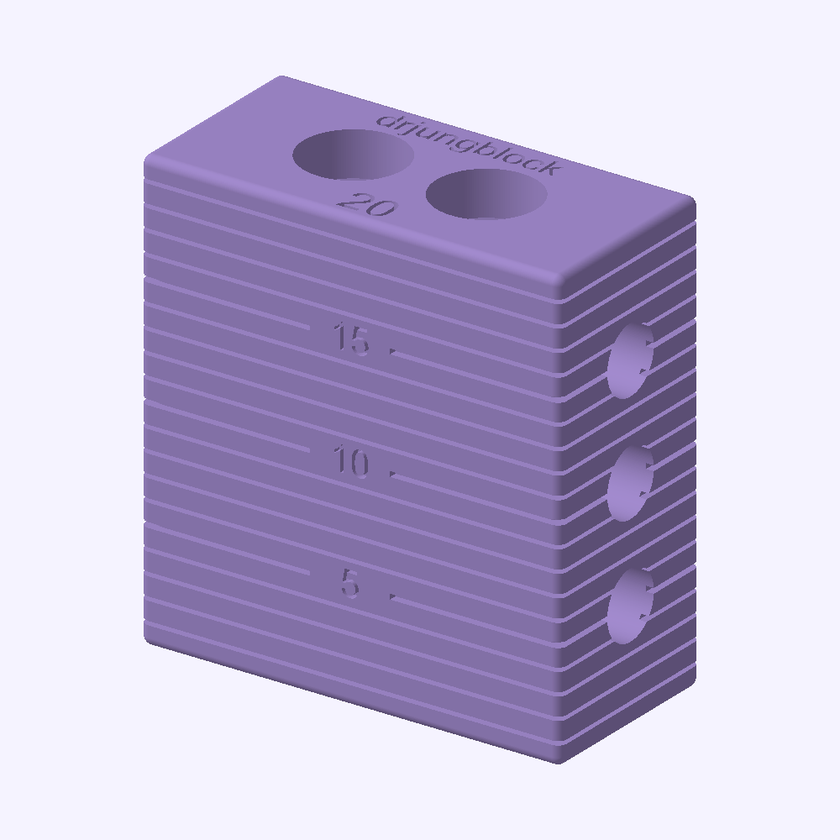
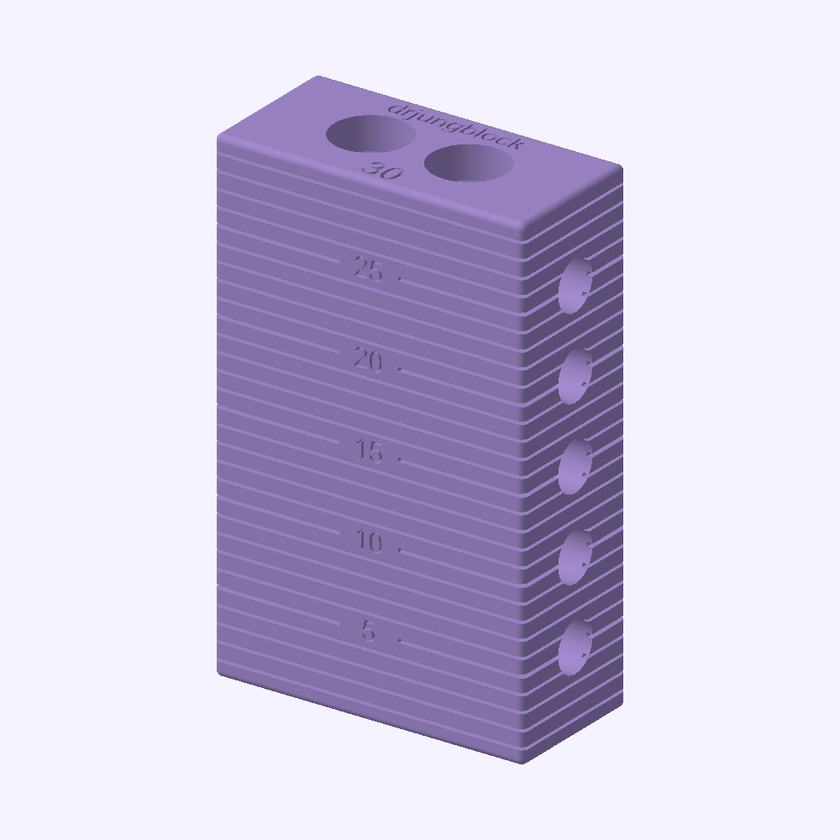
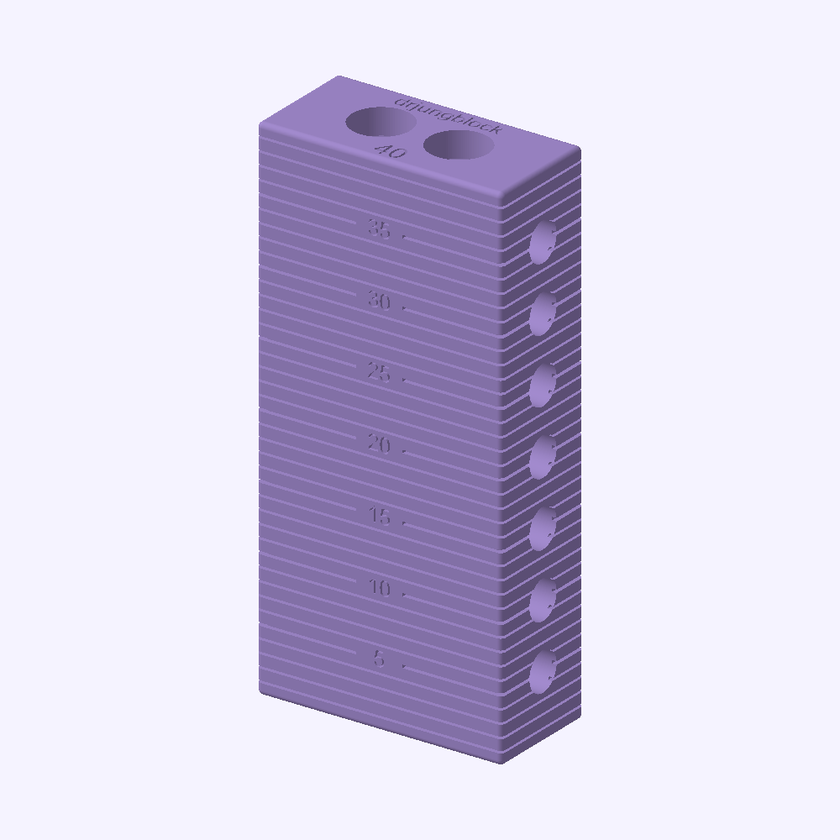
Jungblocks
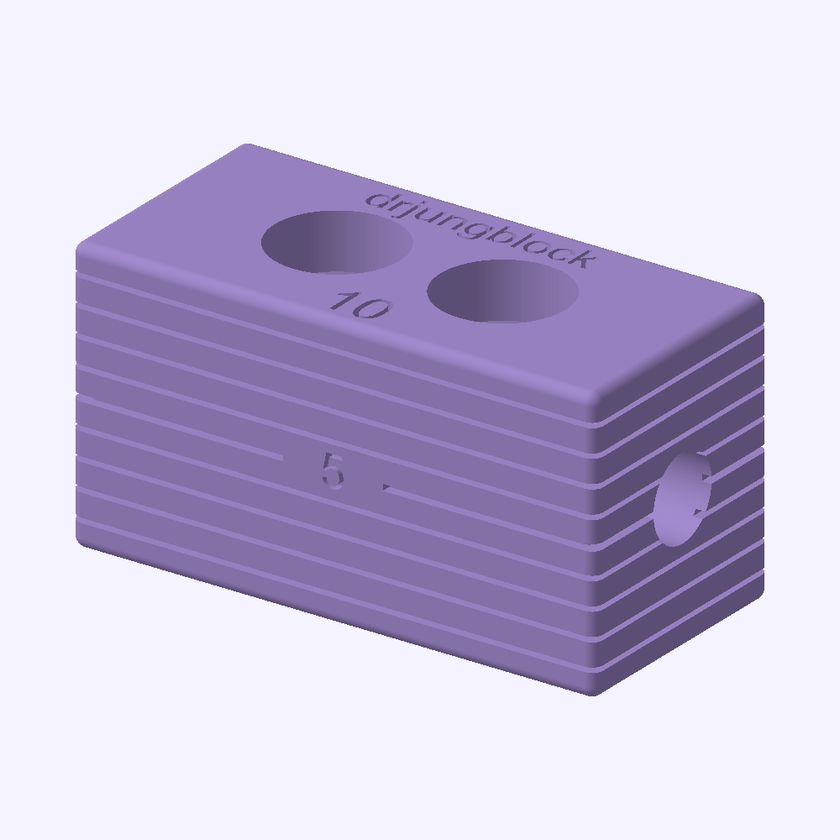
Bite-registration blocks designed to help clinicians capture a stable bite during surgery, with the upper and lower scan bodies in place.
When they may help
Jungblocks can be useful when the fiducial marker workflow is difficult to use, or when alignment between pre-operative and post-operative scans is challenging. They also offer an option to discuss with your designer when a CT scan is not available for the CT alignment workflow.
Soft tissue changes during surgery and is not a reliable reference on its own for stitching pre-operative and mid-surgery scans together.
Working with your designer
- Your designer advises the space, in millimetres, between the multi-unit abutments (MUAs) in the upper and lower arches.
- Select the appropriate Jungblock size with your designer.
- Capture the bite scan with the upper and lower scan bodies in place, then ask your designer to check the bite registration and scan alignment.
10 mm
Download STL ↓Free · Jungblock15 mm
Download STL ↓Free · Jungblock20 mm
Download STL ↓Free · Jungblock30 mm
Download STL ↓Free · Jungblock40 mm
Download STL ↓Free · JungblockPreviews rendered from the STL files. Images are scaled to fit each card, not shown at actual size.
For dental professionals. Confirm suitability and the required size with your designer. These STL files do not specify a validated printing material or sterilisation protocol; use only materials and processing instructions suitable for the intended intraoral use. Always verify fit, bite and alignment clinically.
More scanbodies and photogrammetry systems coming soon.